Skip to content

Lesson 1: WordPress Basics for Beginners

Lesson Overview

Welcome to Lesson 1!​

In this lesson, you will learn what WordPress is and why it is one of the best tools for creating a website. Don’t worry—this is beginner-friendly, and no coding experience is needed.

With WordPress, you can create:

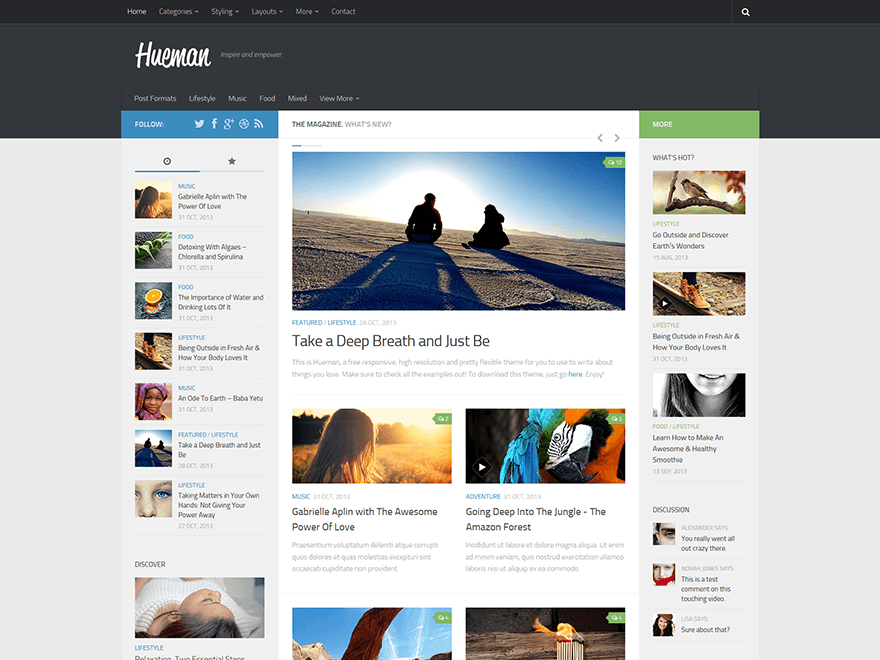
  • Blogs
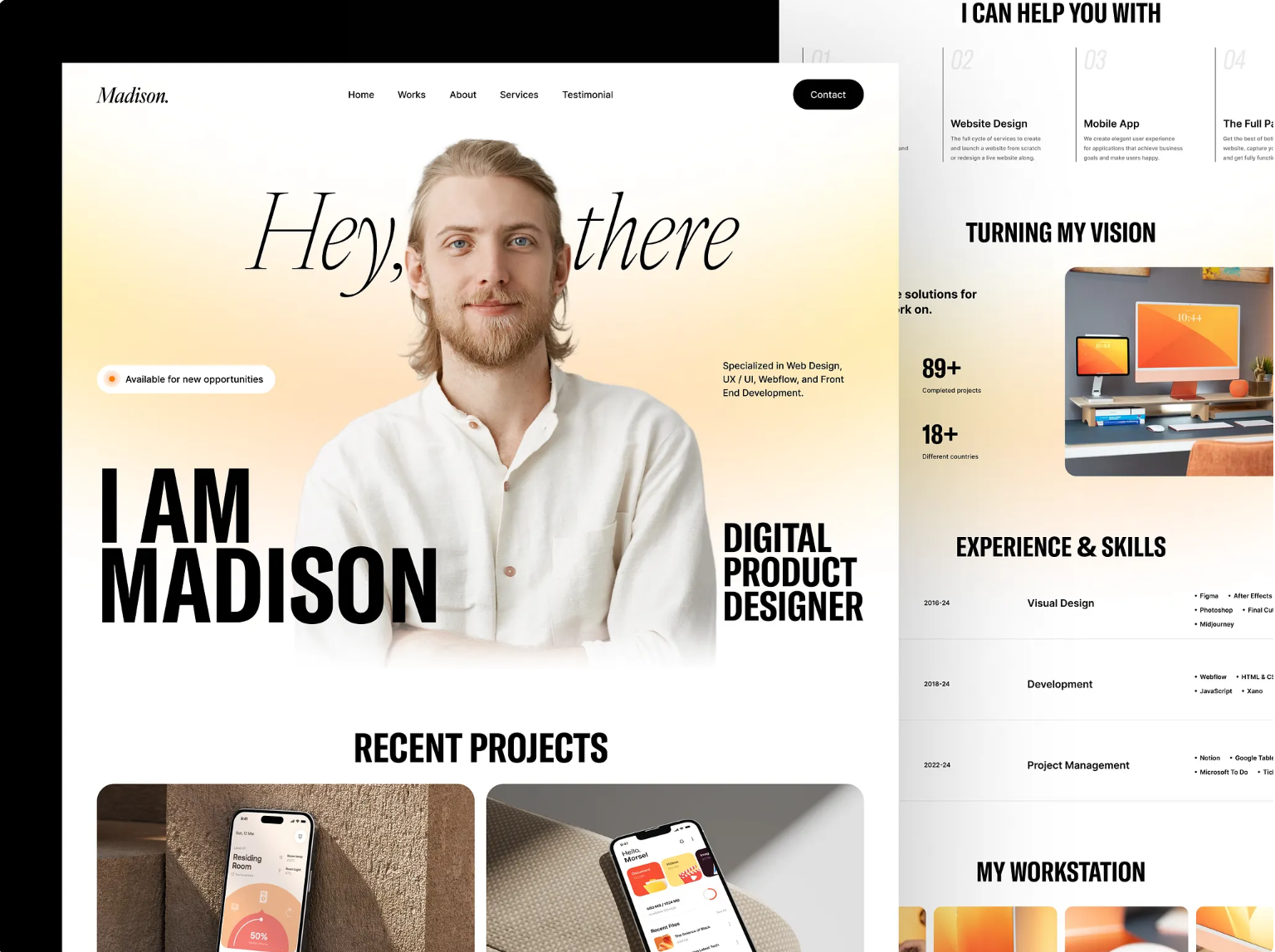
  • Personal portfolios
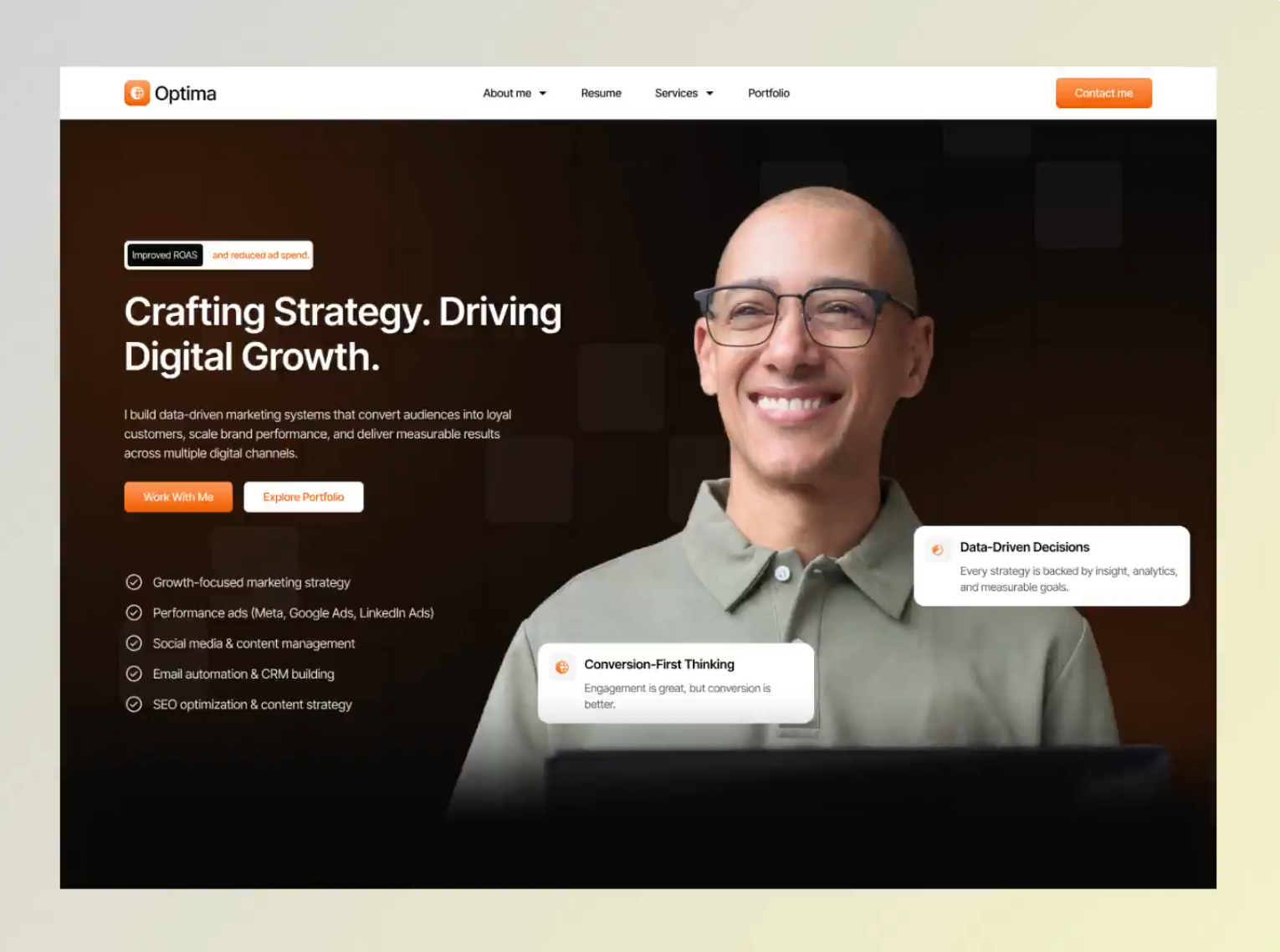
  • Business websites
  • School or internship projects
  • Online stores

Millions of websites around the world use WordPress because it is simple, flexible, and powerful.

Lesson Overview

Welcome to Lesson 1!​

In this lesson, you will learn what WordPress is and why it is one of the best tools for creating a website. Don’t worry—this is beginner-friendly, and no coding experience is needed.

With WordPress, you can create:

  • Blogs
  • Personal portfolios
  • Business websites
  • School or internship projects
  • Online stores

Millions of websites around the world use WordPress because it is simple, flexible, and powerful.

Lesson Overview

Welcome to Lesson 1!​

In this lesson, you will learn what WordPress is and why it is one of the best tools for creating a website. Don’t worry—this is beginner-friendly, and no coding experience is needed.

With WordPress, you can create:

  • Blogs
  • Personal portfolios
  • Business websites
  • School or internship projects
  • Online stores

Millions of websites around the world use WordPress because it is simple, flexible, and powerful.

Why Use WordPress?

1. Free and Open-Source

WordPress is free to use. You can download it and build a website without paying for the software.

2. Easy to Use

WordPress is beginner-friendly. You can add pages, posts, images, and videos with just a few clicks.

3. Easy to Customize

You can change how your website looks and works without coding. You can adjust colors, layouts, and fonts anytime.

4. Lots of Themes and Plugins

WordPress offers thousands of:

  • Themes – to change the design of your website
  • Plugins – to add features like contact forms, galleries, and SEO tools

5. Strong Community Support

If you need help, many tutorials, videos, and forums are available online. You are never alone when using WordPress.

Course Description

This course introduces you to WordPress and helps you understand how it works from the very beginning. It is designed for beginners with no experience and no coding knowledge.

In this course, you will follow a step-by-step video tutorial by Beau from FreeCodeCamp.org, where you will learn how to create a complete WordPress website from scratch. The tutorial starts by explaining important basics such as choosing a domain name and hosting, and how these help your website go online.

You will learn how to install WordPress and explore the WordPress dashboard, where you can manage pages, posts, and website settings. The course shows how WordPress allows you to build and customize websites visually—without using HTML, CSS, or JavaScript.

The tutorial also covers how to:

  • Choose and customize a theme
  • Install useful plugins like Elementor and WPForms
  • Design pages using ready-made templates
  • Add images, logos, and colors
  • Create a blog and contact form
  • Make your website mobile-friendly

By the end of this course, you will be able to create, customize, and manage a professional-looking WordPress website with confidence.

What You Will Learn

  • What WordPress is and how it works
  • How to use the WordPress dashboard
  • How to create pages and posts
  • How to install themes and plugins
  • Basic website design and settings
  • How to publish and manage a website
Course Description

This course introduces you to WordPress and helps you understand how it works from the very beginning. It is designed for beginners with no experience and no coding knowledge.

In this course, you will follow a step-by-step video tutorial by Beau from FreeCodeCamp.org, where you will learn how to create a complete WordPress website from scratch. The tutorial starts by explaining important basics such as choosing a domain name and hosting, and how these help your website go online.

You will learn how to install WordPress and explore the WordPress dashboard, where you can manage pages, posts, and website settings. The course shows how WordPress allows you to build and customize websites visually—without using HTML, CSS, or JavaScript.

The tutorial also covers how to:

  • Choose and customize a theme
  • Install useful plugins like Elementor and WPForms
  • Design pages using ready-made templates
  • Add images, logos, and colors
  • Create a blog and contact form
  • Make your website mobile-friendly

By the end of this course, you will be able to create, customize, and manage a professional-looking WordPress website with confidence.

What You Will Learn

  • What WordPress is and how it works
  • How to use the WordPress dashboard
  • How to create pages and posts
  • How to install themes and plugins
  • Basic website design and settings
  • How to publish and manage a website

Real-Life Example

If you are a student intern, you can use WordPress to:

Create an online resume

Make a digital resume that shows your skills, education, and experience online.

Build a portfolio for your projects

Show your school work, internship tasks, and completed projects in one place.

Create a learning blog

Write posts about what you learn, your progress, and tips to help others.